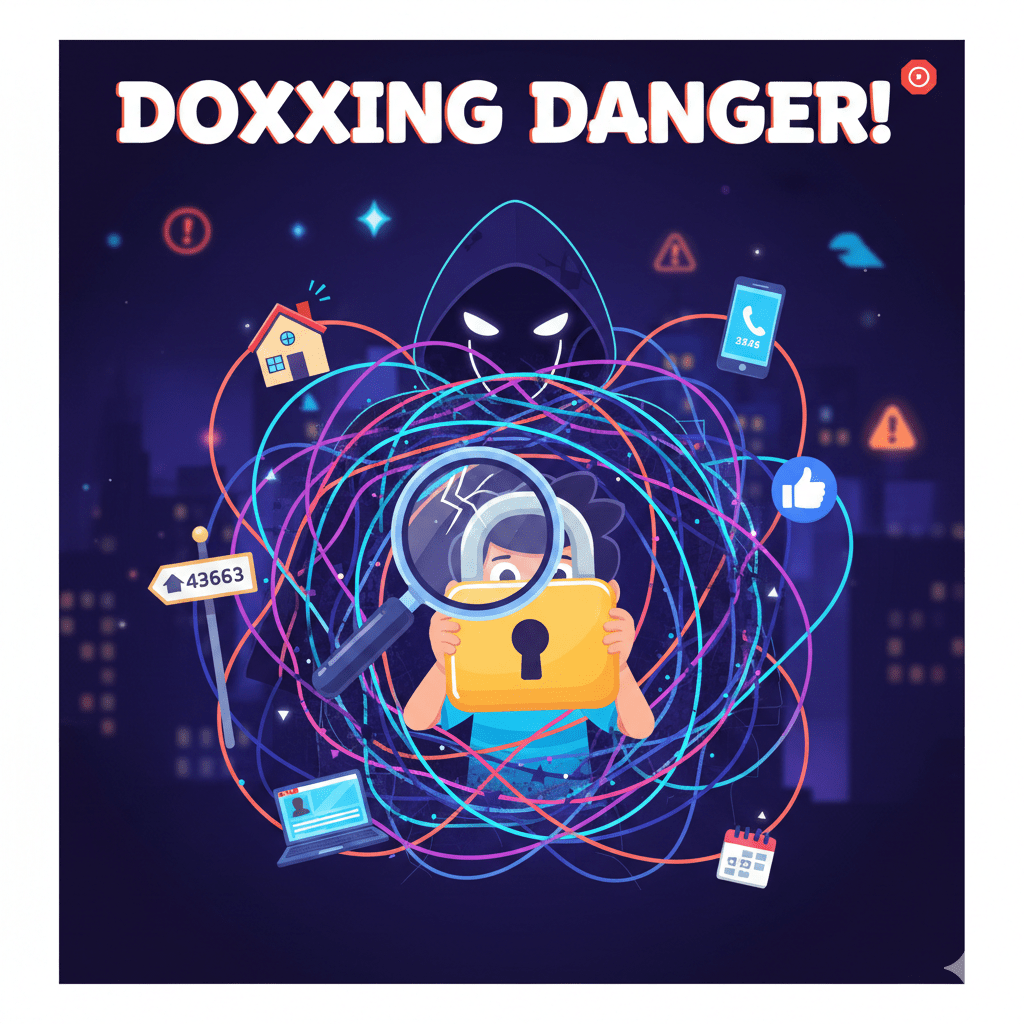
Doxxing is a serious, growing threat where malicious individuals use information found online to harass, intimidate, or harm you. It’s not just for celebrities or activists anymore—the average internet user is at risk.
This guide explains what doxxing is, how attackers find your information, and the practical steps you can take today to protect your digital and physical identity.
1. What is Doxxing?
Doxxing (short for “dropping documents”) is the act of publicly finding and revealing private or identifying information about an individual without their consent, usually with malicious intent.
- It’s not just your name: Doxxing often involves exposing your home address, personal phone number, workplace, private messages, or even the names of family members.
- The Intent: The goal is typically to harass, intimidate, publicly shame, or escalate an online conflict into a real-world threat.
- The Information is Real: Unlike defamation, doxxing uses accurate information, often sourced from data you unknowingly left public years ago.
2. How Do Doxxers Find Your Information?
Attackers are essentially digital detectives, piecing together “breadcrumbs” you’ve left across the internet.
| Attack Vector | How It Works |
| Username Consistency | You use the same username (JSmith87) on a professional site (LinkedIn) and an old, obscure forum where you shared your location. This links your identity. |
| Social Media Mining | Searching through years of old posts, location-tagged photos, “About Me” pages, and friends lists to find your hometown, pet names, or employer. |
| Public Records | Using your full name to search public databases for property deeds, business filings, or old voter registration records, which often contain your home address. |
| Data Broker Sites | Companies that legally scrape public data and sell aggregate profiles. These sites can provide your full family tree and current address. |
| Phishing/Hacking | Using social engineering (like a fake email) to trick you into revealing a password, which grants access to private accounts (like your main email). |
3. Your Action Plan: 5 Steps to Lock Down Your Identity
This is the most critical section. Start with a “Digital Audit” and work your way down.
Step 1: Audit and Prune Your Digital Footprint
- Google Yourself: Search your full name, common usernames, old email addresses, and phone number (in quotation marks, e.g.,
"John Smith") to see what information is easily found. - Delete Old Accounts: Close down any old social media, gaming, or forum accounts you no longer use. If you can’t delete them, change the email and password to something random.
- Review Photo Metadata: Be mindful of sharing original photos. Modern phones often embed GPS location data (metadata) in images, which can reveal exactly where you live or work.
Step 2: Maximize Social Media Privacy
- Go Private: Set all personal social media accounts (Instagram, TikTok, Facebook) to Private or “Friends Only.”
- Review Posts: Remove any posts that explicitly share your home address, personal phone number, specific work location, or family members’ full names.
- Disable Geotagging: Turn off the feature that automatically adds your specific location to photos and posts.
Step 3: Secure Your Accounts & Passwords
- Enable Two-Factor Authentication (2FA): Set this up on your most critical accounts (email, banking, social media). This ensures that even if a doxxer gets your password, they can’t log in without the code sent to your phone.
- Use Unique Usernames: Stop using the same username everywhere! Use a professional name for work sites and an alias for hobbies/gaming.
- Use a Password Manager: Generate strong, unique passwords for every single account.
Step 4: Hide from Data Brokers (The Opt-Out)
- Check Data Broker Sites: Websites like WhitePages, Spokeo, and Intelius often list your information. Many of these sites have a manual “opt-out” or “data removal” request process.
- Use an Alias Email: When signing up for non-essential services (like newsletters or retail rewards), use a separate, non-identifying email address.
Step 5: Use a VPN on Public Wi-Fi
- A Virtual Private Network (VPN) encrypts your internet traffic, hiding your IP address. While IP address tracking is less common for doxxing now, a VPN is essential for security when using public Wi-Fi networks in places like cafes or airports.
4. If You Are Doxxed: Immediate Steps
If you find your private information has been posted online, do not panic and do not engage.
- Document and Preserve: Take screenshots of every post, comment, and threat. Make sure the screenshots include the date, time, and the account that posted the information. This is your evidence.
- Report the Content: Immediately report the content to the platform it was posted on (Facebook, Twitter, Reddit, etc.). Doxxing is against the Terms of Service for almost all major sites.
- Secure Your Accounts: Change the passwords on your email and any accounts that may be linked to the leaked data. Ensure 2FA is active.
- Involve Authorities: If the posts include threats of physical violence, contact your local law enforcement. File a police report to create an official record.
- Seek Support: Tell a trusted friend or family member what is happening. You do not have to go through this alone.