

There’s a new creep in town, or let’s say a new “Peeping Tom”, and that’s “Employee Monitoring”.
Surveillance of workers while they “work from home” (or even at their place of work) is a trend that’s picked up in the post-COVID days, but it’s now started to clash with a new reality defined by corporate surveillance.
Why the My Data Zero team decided to talk about this issue now is the new tension between Microsoft employees and management following an announcement of a Microsoft Teams feature (expected December 2025) that will update/track an employee’s work location, simply by detecting a connection to the organization’s Wi-Fi network. Microsoft Teams will soon record a user’s work location each time their device connects to a company Wi-Fi network. According to Microsoft, the feature is designed to help managers better understand whether employees are working on-site or remotely. That’s the rough plan. There are lots of asterix and other T&Cs, but that’s not the topic of this post.
Ostensibly designed for coordination, this technology immediately transforms location into a mandatory, passive metric for management.
This single feature represents the relatively new frontier of “User Activity Monitoring (UAM)”, which basically is for organizations to use certain tools and software to track user behavior on devices, on the network and on company-owned IT resources.
Which then brings us to the topic of this post – what happens to the massive amounts of personal and other data being collected when you’re at home/office?
Data Collection Baseline
While location tracking is the latest development, UAM systems have long been designed to capture exhaustive data beyond simple attendance:
- Keystroke and Mouse Logs: Recording precise activity, applications used, and active time to generate arbitrary “productivity scores.”
- Screenshot Capture: Taking snapshots of the screen at random intervals or compiling sequential screenshots into forensic, searchable session replays.
- App and URL Categorization: Logging every website and application visited, labeling them as “productive” or “unproductive” based on often-opaque criteria.
- File Activity: Tracking when sensitive documents are accessed, modified, or transferred via email or cloud storage.
The Thin Line: Monitoring vs. Personal Data
The legal and ethical tightrope walked by employers is the thin line between monitoring for legitimate business reasons (security, compliance, performance) and collecting an employee’s personal data. This line is often invisible on a company-issued device.
Every keystroke log or screen capture, while intended to measure work, inevitably collects Personal Identifiable Information (PII): private messages, personal web searches during a short break, bank login attempts, or sensitive communication with a doctor or lawyer.
This raw activity may be fed into UAM software to create a “Digital Dossier” or something akin to a “User Risk Profile”. The system can then analyze behavioral patterns, and any deviation from a calculated “norm” results in a flag or a lower productivity score. The true cost is that this stored, quantified data — which reduces a complex professional effort to simple metrics like “activity scores” — can later be (mis) used for audit, disciplinary action, or even to support termination, regardless of whether the original data collected was professional or personal in nature.
Here’s What Employees Can Do
While laws in every country vary, the consensus is that employees have virtually no expectation of privacy on employer-owned equipment. Therefore, this is the best defense a worker or employee can have:
- Strict Separation of Devices: The single most effective defense is to use personal devices (phone, tablet, home computer) for all personal tasks, breaks, and communication. Never mix private activities with the company-issued laptop, phone or network.
- Know the Policy: Review your company’s official electronic monitoring and privacy policies. Employers are often legally required to disclose what they track. If the policy is vague, ask HR for clarification.
- Focus on Deliverables, Not Presence: Actively shift performance discussions with your manager away from UAM-generated “activity scores” toward measurable Key Performance Indicators (KPIs), project milestones, and finished output.
- Manage Location Settings: For new features like the Teams Wi-Fi tracking, understand that admins must often enable the feature and that, in many implementations, the user must opt-in to the location sharing. Exercise your right to decline any non-mandatory location-sharing features.
What’s Expected of Employers Where Personal Employee Data is Concerned
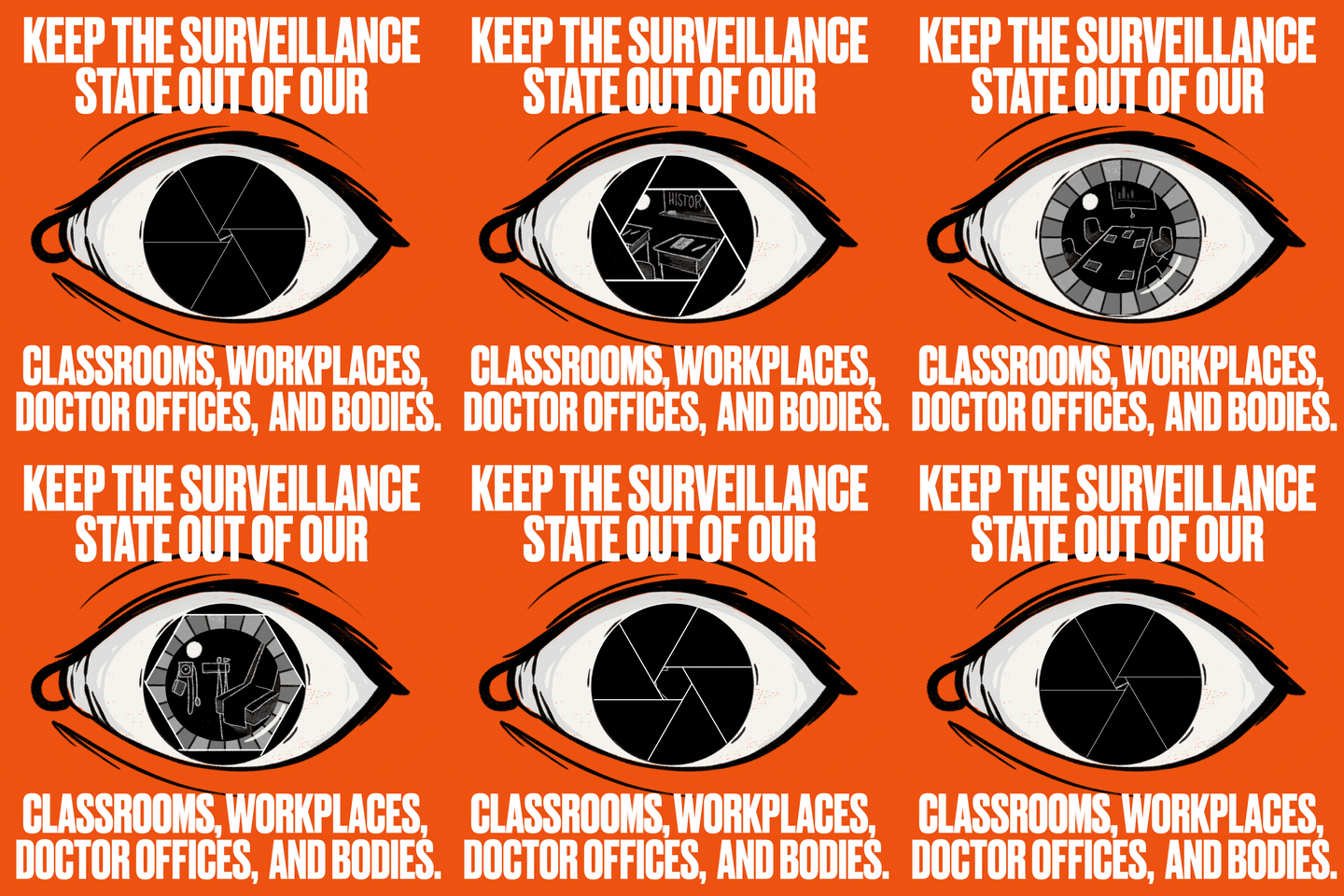
The obligations placed on employers generally fall into two categories: Transparency and Data Stewardship.
First, employers have a fundamental obligation of transparency and disclosure. In most jurisdictions, while an employee has little to no expectation of privacy on a company-issued device, the employer is legally and ethically required to clearly and affirmatively disclose what data is being monitored, how it is being collected (e.g., keystroke logs, random screenshots), and why (e.g., for security, compliance, or productivity measurement). This disclosure must be detailed, easily accessible (usually in the employee handbook or policy document), and, ideally, must be acknowledged by the employee. Without clear notice, an employer risks legal exposure and, more immediately, severely erodes the trust essential for a functioning remote team.
The employer is also responsible for data minimization and security regarding any personal data inadvertently or explicitly collected. Since tools like UAM often sweep up Personal Identifiable Information, employers are obligated to only retain data relevant to business operations (minimization).
Furthermore, they must apply robust security measures (encryption, access controls) to prevent breaches and ensure the collected data is not used for arbitrary or discriminatory purposes. Any use of the data, especially for performance reviews or termination, must be carefully limited to the legitimate business purpose outlined in the original policy, ensuring the employee’s “Digital Dossier” isn’t misused to punish non-work-related activity.e against the digital leash.
It’s a very narrow pathway that divides personal and professional data. Both, employers and employees need to be aware of that, and act accordingly so that the interests of both are served without compromise.
As an employee, what are your views on this topic? Do Comment.
Reference: