
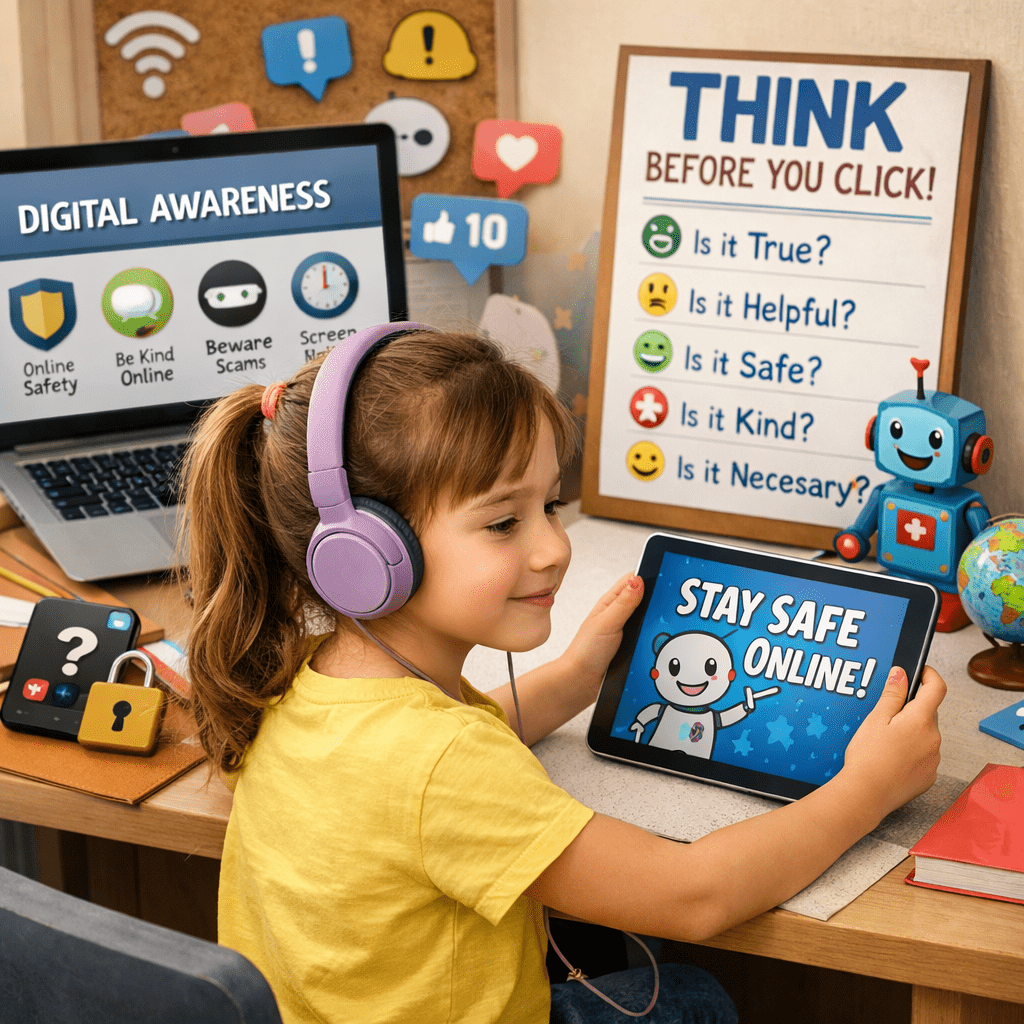
In today’s digital age, keeping our children safe online can feel like a full-time job, one that many of us didn’t exactly get trained for. A recent security episode has brought this issue back into the spotlight, serving as a powerful reminder of why we need to stay vigilant. Do not miss the Internet Safety For Kids: A Parent’s Guide later down.
The Wake-Up Call: A Recent Security Episode
In the episode highlighted by this video, the danger hits remarkably close to home, featuring a real-world account of how quickly a child’s innocent gaming session can turn into a targeted security threat. It illustrates a common tactic where predators or scammers “friend” children within popular gaming environments, building a false sense of security before attempting to move the conversation to private, unmonitored platforms.
A recent security scare involving an AI-powered children’s toy has parents everywhere on edge. Researchers discovered that over 50,000 private conversations between children and their toys were left wide open on the internet for anyone to see. This wasn’t just data; it was sensitive details like names, birthdays, and the innocent secrets kids tell their toys. It’s a chilling reminder that in the world of ‘smart’ gadgets, what your child says in their bedroom might not be as private as you think.”
This incident is a stark example of why “stranger danger” has shifted from the physical world to the digital one—often happening right under our noses while our children are simply playing on their tablets or phones.
The takeaway? Even on “safe” apps, the “Stranger Danger” we taught our kids on the playground has evolved into “Digital Danger” behind a screen.
How to Keep Your Kids Safe Online: A Non-Techie’s Guide
You don’t need to be a computer whiz to protect your kids. Here are four foundational steps every parent can take today:
1. The “Living Room Rule”
The simplest security measure isn’t a password—it’s a location. Keep all internet-connected devices (tablets, laptops, and gaming consoles) in common areas of the house.
- Why it works: You don’t have to hover; just being in the same room naturally discourages kids from visiting “shady” corners of the web and makes them more likely to show you something if it feels “weird.”
2. Set Up a “Supervised Experience”
Most major platforms (YouTube, Google, Apple) now offer “Supervised Accounts” or “Family Sharing.”
- How to do it: Go to the settings of the app your child uses most. Look for Parental Controls or Family Link.
- What it does: It allows you to block specific apps, set time limits, and—most importantly—see what they are searching for without needing to physically take their phone away.
3. Teach the “Private Info List”
Sit down with your child and make a list of things that are OFF-LIMITS to share with anyone online, even “friends” they’ve met in games like Roblox or Minecraft:
- Full Name
- Home Address or School Name
- Current Location (check that “Location Services” are off in their settings!)
- Phone Numbers
- Photos of themselves in their school uniform
4. Create a “No-Judgment” Reporting Zone
The biggest reason kids don’t tell parents about online trouble is the fear that their device will be taken away.
- The Script: Tell them: “If someone says something mean, asks for a photo, or makes you feel ‘yucky’ online, come to me. I promise I won’t get mad and I won’t take your phone away. We will figure it out together.”