
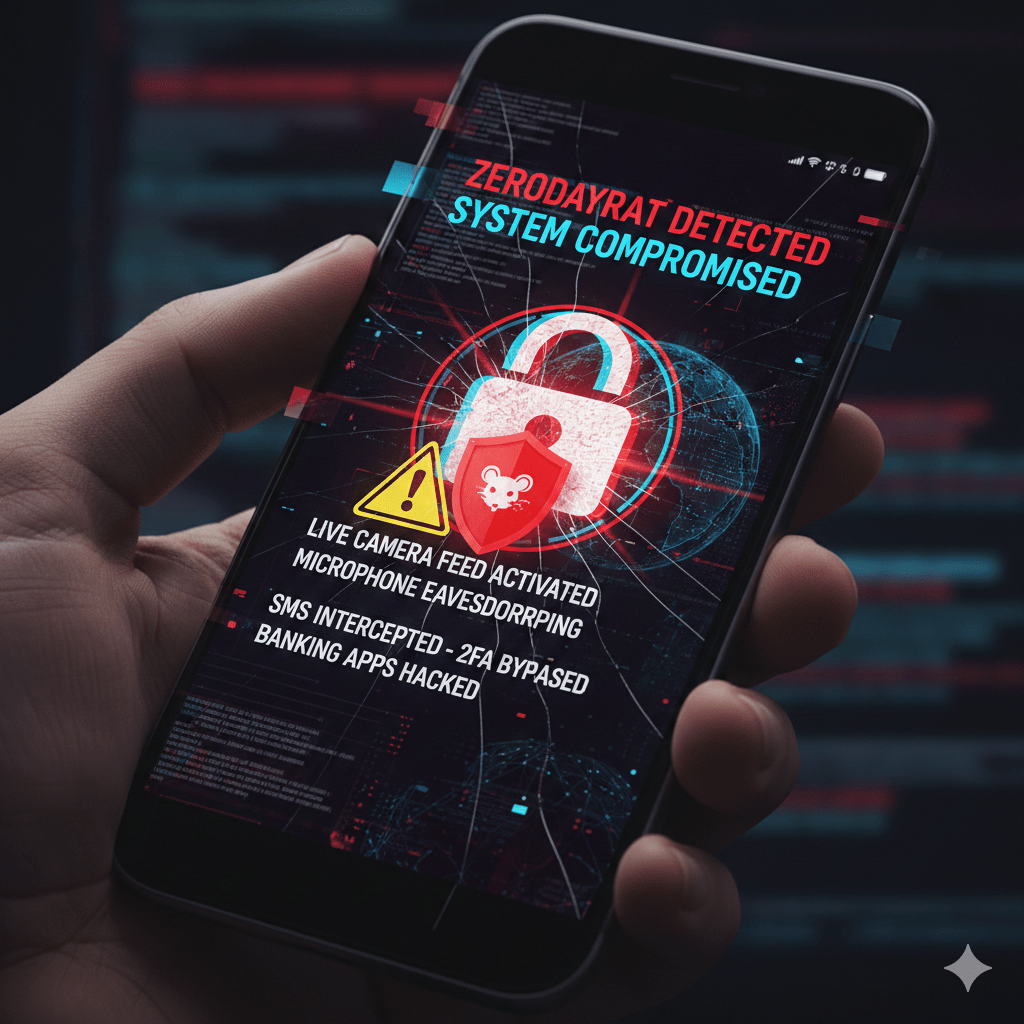
ZeroDayRAT is a cross-platform Remote Access Trojan (RAT) that targets both Android and iOS devices. Unlike traditional malware that might only steal specific files, ZeroDayRAT is a “complete mobile compromise toolkit.” It grants an attacker a web-based dashboard to monitor and control a victim’s phone in real time.
Key Capabilities
- Live Surveillance: Streaming of front/rear cameras, microphone eavesdropping, and live screen recording.
- Financial Theft: Dedicated modules for “Bank Stealing” (overlay attacks on apps like Apple Pay, PayPal, and UPI) and “Crypto Stealing” (clipboard hijacking to redirect transfers).
- Total Data Exfiltration: Access to SMS, call logs, full notification history (WhatsApp, Instagram, etc.), and GPS location history.
- MFA Bypass: Because the malware can read and send SMS messages, it can intercept One-Time Passwords (OTPs), effectively neutralizing two-factor authentication.
How it Spreads
The malware does not usually rely on a “zero-click” exploit (like Pegasus); instead, it uses high-pressure social engineering.
- Smishing (SMS Phishing): Users receive a text with a link to a “critical update” or “missed delivery.”
- Malicious Binaries: Victims are tricked into installing an APK (Android) or a Configuration Profile/Payload (iOS).
- Third-Party Stores: The malware is often bundled with “cracked” or “modded” versions of popular apps on unofficial stores.
Mitigation & Protection
Security researchers from iVerify and Apple have released guidance following the detection of this threat and related OS vulnerabilities (like CVE-2026-20700).
- Update Immediately: Apple released iOS 26.3 on February 11, 2026, to patch a critical memory flaw exploited by such spyware. Android users should ensure they have the latest February 2026 security patch.
- Enable Advanced Modes:
- iOS: Use Lockdown Mode if you are in a high-risk profession (journalism, activism, etc.).
- Android: Enable Advanced Protection to restrict app installations to the Play Store.
- Avoid “Unknown Sources”: Never install configuration profiles on iOS or toggle “Install from Unknown Sources” on Android unless absolutely certain of the source.
- Switch 2FA Methods: Move away from SMS-based OTPs to Hardware Security Keys (like YubiKey) or Authenticator Apps (Google/Microsoft Authenticator), which are harder for RATs to intercept.
Resources:
- Technical Analysis: iVerify: Breaking Down ZeroDayRAT
- News Coverage: SecurityWeek: New Spyware Kit Enables Total Compromise
- Apple Security Updates: Official Apple Support – Security Releases
- Threat Advisory: CyberInsider: ZeroDayRAT Targets Android & iOS Users
Leave a Reply